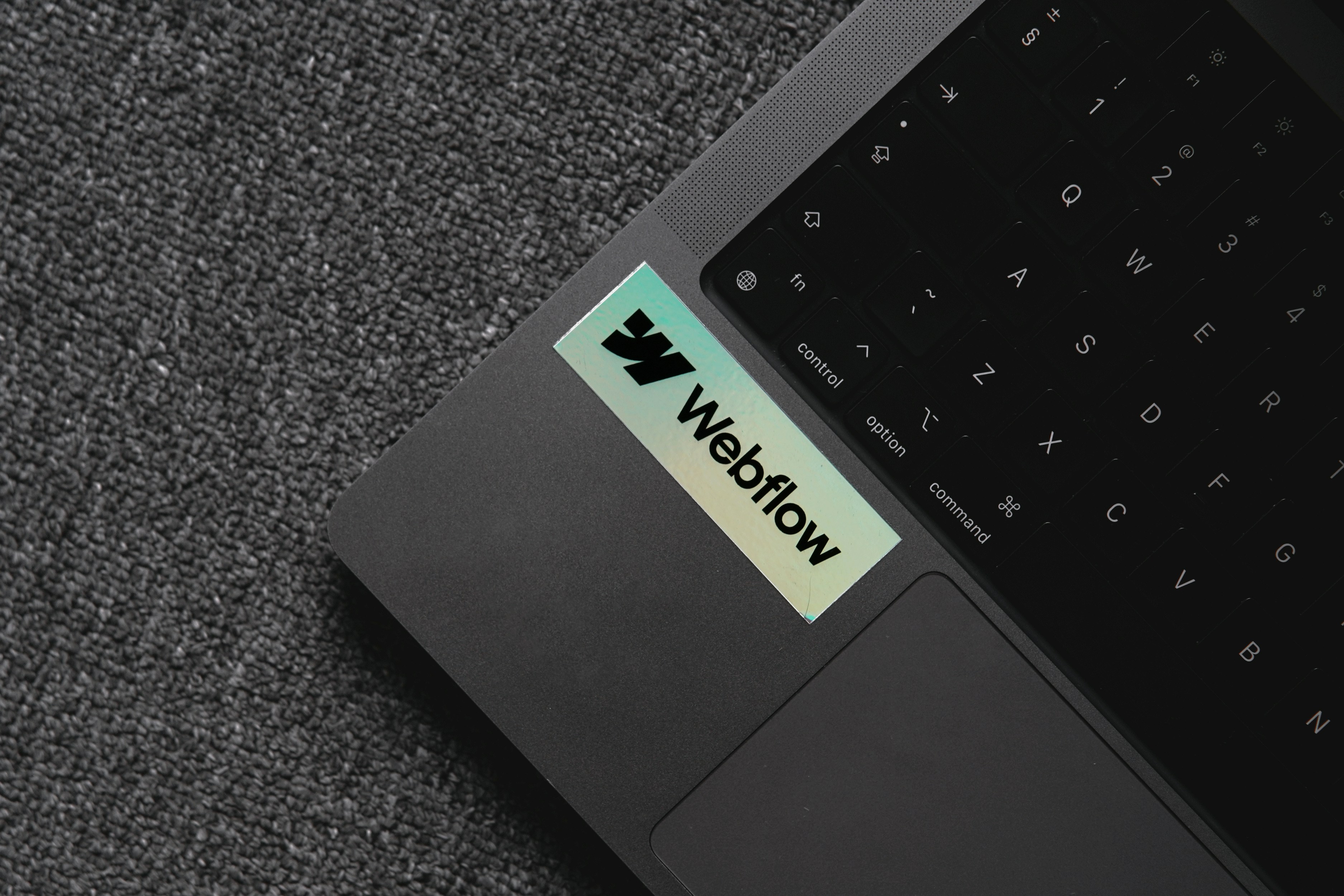
When people ask what platform I recommend for a new website, they're often expecting a simple answer: WordPress, Wix, Squarespace, Shopify, or Webflow. The truth is, there isn't a universally "best" website platform. Every business has different goals, budgets, technical requirements, and long-term plans. At Autumn Creative Partners, we don't begin with a platform, we begin with the problem we're trying to solve.
That said, when I'm building a custom marketing website from the ground up, I usually choose Webflow. Not because it's the trendiest platform or because I believe every website should be built with it, but because it aligns with the way I approach design and the kinds of experiences I want to create for clients.
It Started Long Before Webflow
I've been building websites since around 2010, long before I ever considered web design as a career. Back then I was simply enjoying the creative process. My first projects were built in Wix for friends and family, including a website for a local musician and even a paranormal investigation group. It was a different time—before AI tools, before endless libraries of free stock photography, and before website builders had matured into the platforms we know today. Every project required a lot of creativity, experimentation, and problem-solving.
Over the years I expanded into WordPress, Squarespace, GoDaddy Website Builder, Blogger, and several other platforms. Each one has its own strengths, and each taught me something valuable about designing for the web. Looking back, those experiences helped me understand that no single platform is perfect for every situation.
The biggest shift came when I stopped thinking of myself as someone who simply built websites and began studying user experience design. Learning UX changed the questions I asked. Instead of wondering, "How can I build this?" I started asking, "How should this experience work for the person using it?" That change in perspective shaped every project that followed.
Bridging the Gap Between Design and Development
As part of my UX education, I was introduced to Figma. It quickly became one of my favorite design tools because it allows an incredible level of precision and creative freedom. You can refine layouts, establish visual hierarchy, prototype interactions, and solve usability problems before writing a single line of production code.
The challenge came afterward.
Many website builders require designers to recreate those carefully crafted designs from scratch. After spending hours refining a layout in Figma, I often found myself repeating much of the same work inside another platform just to get the website online. It wasn't the most efficient workflow, and it often meant making compromises along the way.
When I discovered Webflow, it felt like the missing piece. Instead of treating design and development as two separate processes, Webflow allowed me to build directly from the design principles I'd already established. I could maintain the creative control I wanted while creating a production-ready website that remained flexible and easy to manage.
Why Webflow Fits the Way I Work
What ultimately sold me on Webflow wasn't a single feature—it was the overall workflow.
As someone with a background in fine art and UX design, I wanted a platform that encouraged thoughtful design rather than forcing ideas into predefined templates. Webflow gave me the flexibility to create custom layouts while still providing the practical tools clients need, including content management, responsive design controls, forms, SEO settings, managed hosting, and staging environments for testing changes before they go live. Webflow's visual development approach also generates clean HTML, CSS, and JavaScript while allowing designers to work without relying on dozens of third-party plugins for core functionality. These integrated features help streamline both development and ongoing maintenance.¹
Another pleasant surprise was Webflow's learning resources. Their educational videos are some of the most engaging product tutorials I've encountered, making the platform approachable without oversimplifying what it can do. Combined with straightforward client handoff and hosting management, it became an easy choice for the way I wanted Autumn Creative Partners to operate.
Every Platform Has a Place
One of the biggest misconceptions in web design is that choosing one platform means rejecting every other option. I don't see it that way.
-> If someone wants to launch a simple website quickly and manage it themselves, Wix or Squarespace can be excellent choices. Their drag-and-drop editors make them accessible for many small businesses that don't need extensive customization.
-> If a business is focused primarily on ecommerce, Shopify often makes more sense because it was designed specifically for online stores and includes powerful commerce features right out of the box.
-> Likewise, many organizations have invested years into WordPress websites that include custom functionality and complex integrations. If those systems are working well, rebuilding everything simply to switch platforms rarely provides enough value to justify the cost.
The platform should support the business—not the other way around.
Why We Chose Webflow for Autumn Creative Partners
When we launched Autumn Creative Partners, I wanted a platform that reflected the way I design. I wasn't looking for the most popular option or the one with the biggest market share. I wanted something that allowed creativity to remain at the center of the process while still delivering dependable performance for clients.
For the businesses we serve, Webflow checked more of those boxes than any other platform I evaluated. It allows me to carry thoughtful design work from concept through launch without feeling like I'm starting over every time I move from mockup to production.
That doesn't mean Webflow is always the answer. It simply means it's the best fit for the way I work today.
Ultimately, a successful website isn't defined by the platform it was built on. It's defined by how well it communicates, how easily people can use it, how quickly it performs, and whether it helps a business achieve its goals. The technology is important—but it's only one piece of the puzzle. Choosing the right tool has never been about following trends. It's about finding the solution that gives each client the greatest opportunity to succeed.
¹ Webflow combines visual development tools with integrated CMS, hosting, SEO controls, forms, staging, and generated production code. These capabilities are documented in Webflow's official product documentation and hosting resources.


.png)
.png)